One home for
your next steps.
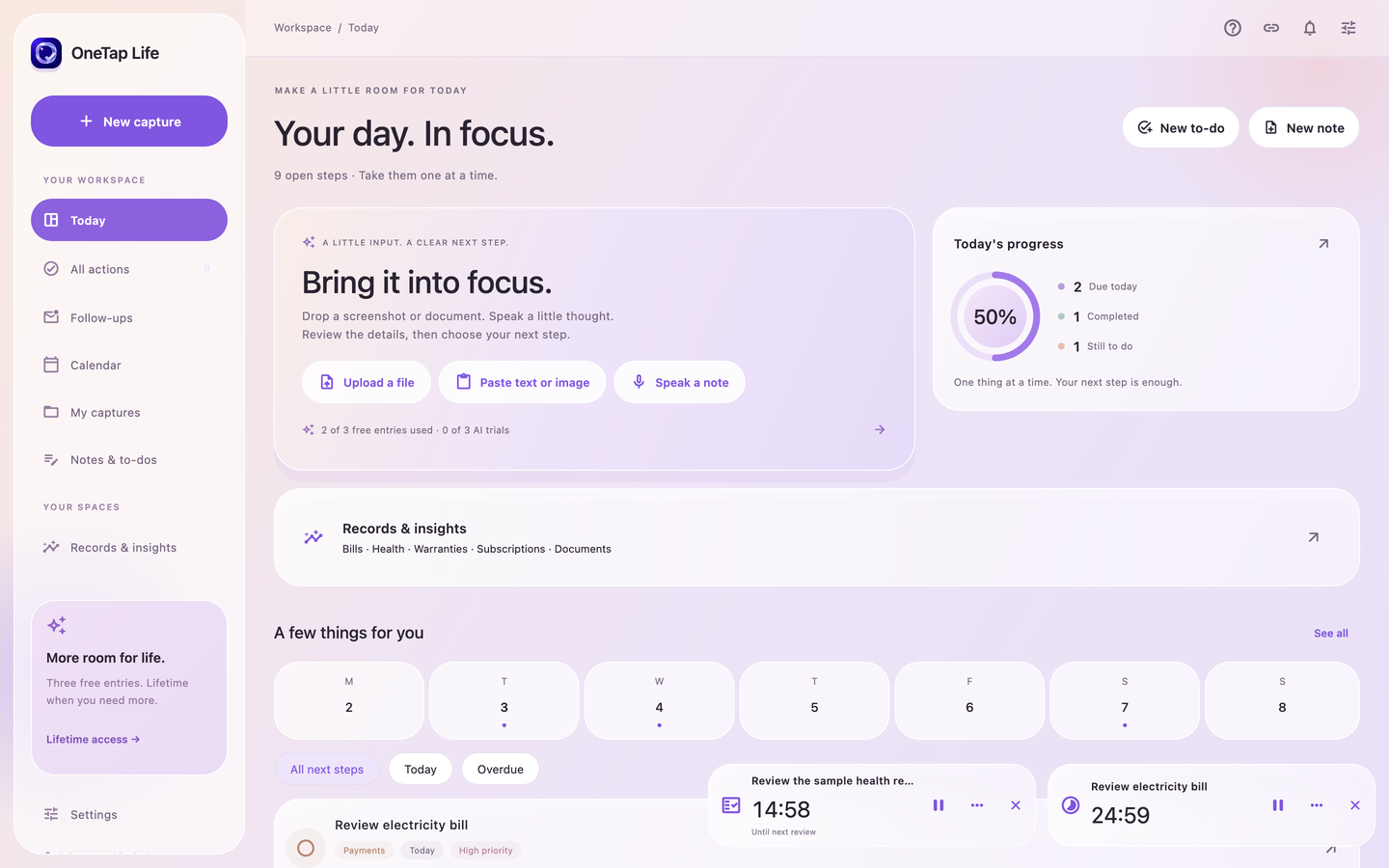
Notes, checklists, priorities and due dates. Make a plan in your own words.
Check the meter readingReview the source billKeep the receipt
Make a little plan Bring a screenshot, a document or a voice note. Find what matters, make a little plan and get on with your day.
 OneTap LifeYour private little space
One step to go.Illustrative daily plan
Tomorrow · 3:00 PM
You already have the information. OneTap gives it a little structure, with you in charge.
A screenshot, document or voice note. OneTap helps find dates, amounts and the details worth keeping.
Learn how it worksNotes, checklists, priorities and due dates. Make a plan in your own words.
A gentle heads-up, a repeating review or a timer for the thing you’re doing now.
Capture your thought as a voice note. Import supported audio and transcribe it on-device after downloading a language pack.
Make space for your voiceBills stay with bills. Health reports have their own home. A clear source behind every record.
November · recorded bills
₹4,820Example total from saved sample billsKeep electricity bills, shopping receipts and hospital invoices together. See recorded spending by month and set a personal limit.
Explore bills guidesYour files deserve a little care. Keep an encrypted local workspace and choose when to use connected tools.
Mac, iPhone, iPad and Android. Each device keeps its own encrypted workspace.
Production-widget previews with synthetic records. Separate local data on each device; no server sync.
Mac setup & availabilityOne simple free allowance. One Lifetime purchase in the installed app.
Deleting entries does not reset the allowance. Saved entries remain readable and editable.
Actual localized price is shown by the store. File and device limits apply. Lifetime does not promise unlimited hosted AI or cross-store ownership.
Get to know your next little helper.
No OneTap account is needed. Start on your device. Gmail and Calendar are separate, optional Google connections that you explicitly authorize.
Supported screenshots, images, PDFs, text and short supported audio files. Review the extracted text and suggestions before saving an action or record. File and device limits apply.
Your saved workspace and local extraction work offline. Mac supports native OCR and optional Lifetime local AI through Ollama. Audio-file transcription runs on-device after a language-pack download. Online AI needs internet.
You get three new entries total per device and three successful AI analyses or replies. Deleting an entry does not reset the allowance. Lifetime is a one-time purchase, with an intended India price of ₹999; the store shows the actual localized price.
No. You review drafts and choose what to send. Bill records do not prove payment. Calendar bookings and guest invitations require your review and approval.
Each installed app keeps an encrypted local workspace with a key held by platform secure storage. Optional online AI sends the displayed source through the app gateway to SiliconFlow after you choose it. Export important data before removing the app.
Start with the thing on your mind. A screenshot, a voice note, a plan.